25% off the Everything Bundle
See plans
All components
Backgrounds
Dither Filter
From
$12
single user, or
$24
for the whole studio
The picture stays visible underneath and only the ink blends on top. Threshold reads each image's histogram, so a preset lands the same on a dark photo and a bright one.
Live


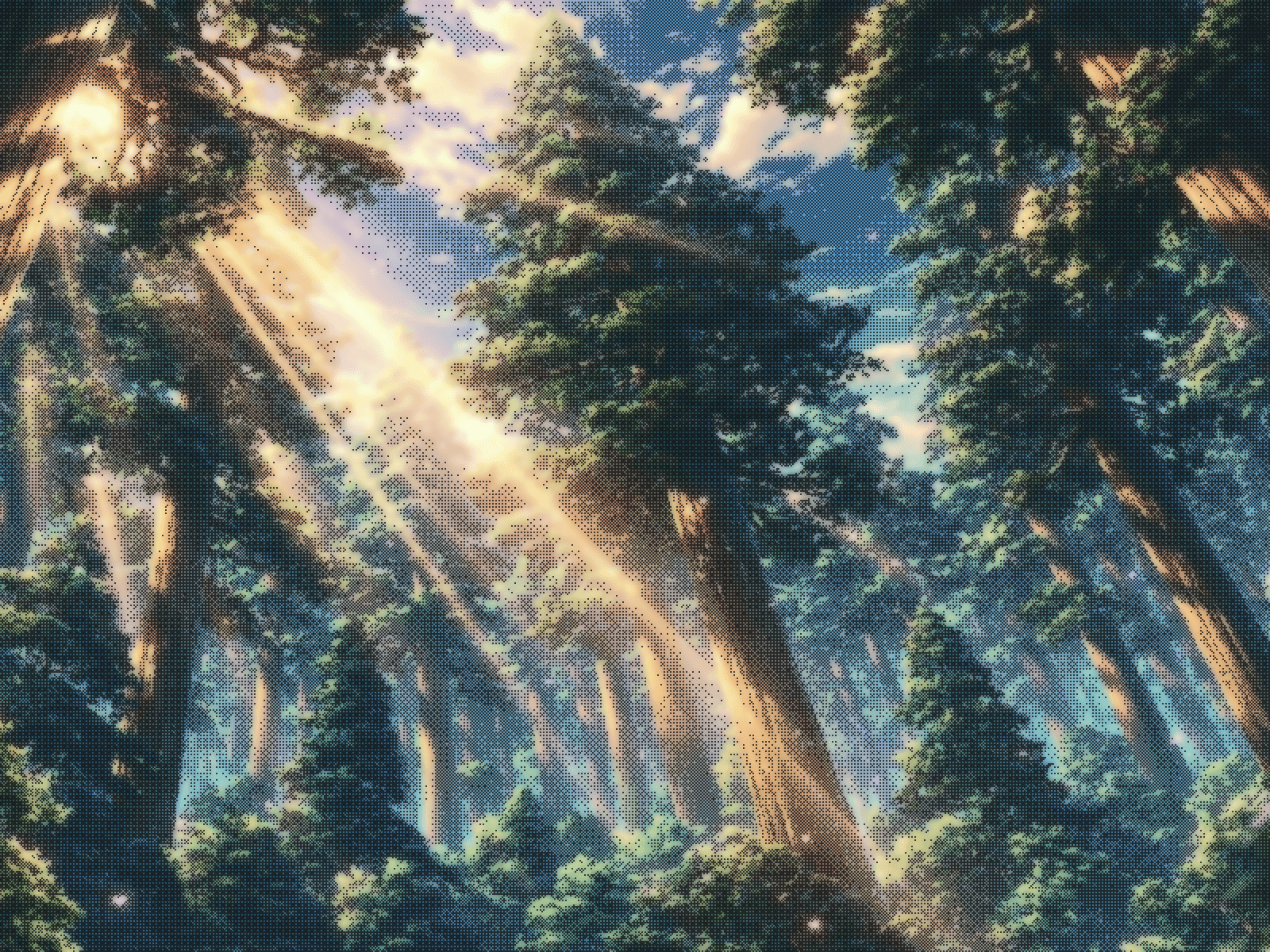
Dither Filter: real dithering, laid over your images.
Puts a real dither screen over any image. The picture stays visible underneath and only the ink blends on top, so you get newsprint texture, LED grids and 1-bit halftones without touching the original file. It all renders live on the canvas.
What you get
7 presets: Newsprint · Emberglow · Frost · Carbon · Chroma · Veil · Acid
6 algorithms: Bayer 2x2 · Bayer 4x4 · Bayer 8x8 · Floyd-Steinberg · Atkinson · Noise
3 mark shapes: Square · Dot · Glow
Polarity: lay the ink on the light of the image or on its dark
4 coverage bands: Full Range · Highlights · Shadows · Midtones
7 motions: Shimmer · Pulse · Wave · Scan · Rain · Sparkle · Flicker
3 colour modes: Solid · Source · Duotone, and 5 blends: Normal · Screen · Plus Lighter · Multiply · Overlay
Threshold reads each image’s histogram, so a preset lands the same way on a dark photo and a bright one
Background blur that never fringes at the edges. The dither samples the sharp source, so the pattern keeps detail the blur softens
Cell size, levels, contrast, softness, opacity and bloom stay live on every preset. Presets set starting values, never lock a control
Optional in-canvas panel your visitors can drive, with their own image upload
Pauses off screen, respects reduced motion, crisp static frame in the editor
Drop it behind a hero, over a card, or across a full-bleed banner.
What’s included:
Remix link to the Component.
Free updates. The remix link always carries the latest version
Email support: support@premshandilya.com
License: Single-user license. Use Dither Filter in unlimited personal and commercial Framer projects, including client work. Reselling, redistributing, or repackaging the component or its source code as your own asset is not permitted.
Refunds: This is a non-refundable digital product, so try the live demo before purchasing. If anything doesn’t work as shown, email me and I’ll fix it fast.
Released
Category
Backgrounds
PRESETS
Presets included
7 INCLUDED
Newsprint · Risograph · Thermal · Litho · Duotone · Soft Screen · High Contrast · Fine Grain
Every preset is a complete look you can ship as it comes. The raw controls sit underneath if you want to go further.
SETUP
From download to shipped
01
Download
Copy the component into your Framer project. One file, no dependencies, no setup script.
02
Pick a preset
Every component opens on a named look you can actually ship. Adjust from there if you want to.
03
Ship it
Off-screen pausing and reduced-motion support are already wired. Nothing to remember, nothing to audit.


